Claim a Winery
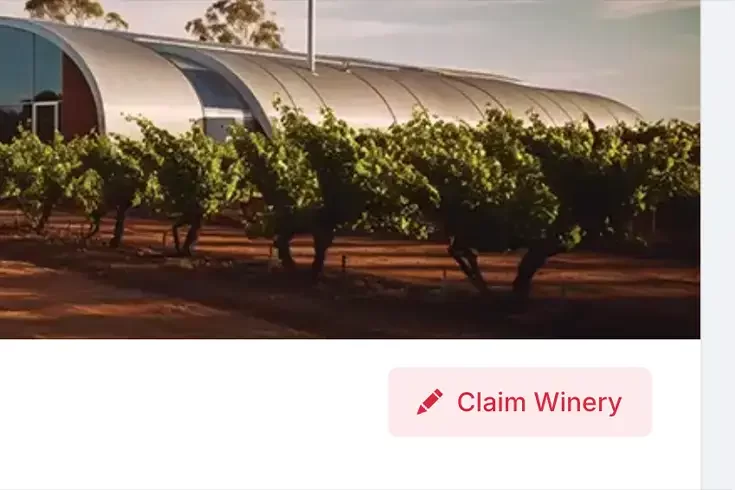
To claiming a winery, click on the "Claim Winery" link on the page of the winery that you would like to control. Points to note about claiming a winery:
- You will have to be logged in to be able to continue through the claim process
- Your account will need to be using that same email domain as the winery website or email
- You will have to agree to the terms before requesting
You will need to register to create a new account if you have not already got an account.
Once reviewed, you will receive a confirmation email. If approved, the winery control page will appear in your account's settings area.
Latest News


© 2026 Wineography